

4 Original Artworks
-
Description: Donato noted that the working title for this game was "Revenge of the Ravengers." The Rhinoceros' left arm guard is signed "Donato." Year: 1994 Medium: Oil Image Area: Image Source: Artists' files Condition: N/A
-

Revengers of Vengeance Sega CD Box Art
- Artist:
In the Collection of OVGA Database -
-
Description: Used for Robo Aleste box art on Sega CD (US territory), published by Tengen. Year: 1992 Medium: Acrylics, pencil and airbrush Image Area: 20" x 26" Image Source: Original Condition: Very Good
-

Robo Aleste Sega CD Box Art
- Artist:
In the Collection of Anonymous -
-
Description: A concept design/sketch from Tom Dubois of the main character "Sparkster" from the Sega Genesis / Mega Drive title "Rocket Knight Adventures" from Konami. Year: approximately 1993 Medium: Pencil on vellum Image Area: 7 x 5 inches (on 11 x 14 paper) Image Source: Original Condition: non-image area portions of the paper are missing
-

Rocket Knight Adventures / Sparkster Sega Genesis Concept Sketch
- Artist:
In the Collection of Anonymous- 1 Comment
-
-
Description: Bud Thon box art for Rolo to the Rescue for the Sega Genesis. Published by Electronic Arts and developed by the same guys that made the James Pond games, Rolo to the Rescue is a fun platformer known for its hidden secrets and play design built around swapping between Rolo and his woodland pals to leverage their unique abilities. An overlay has a notation to remove the tail of one of the critters (it is written "Scitek tail out," a likely reference to the Scitex imaging workstations,
-
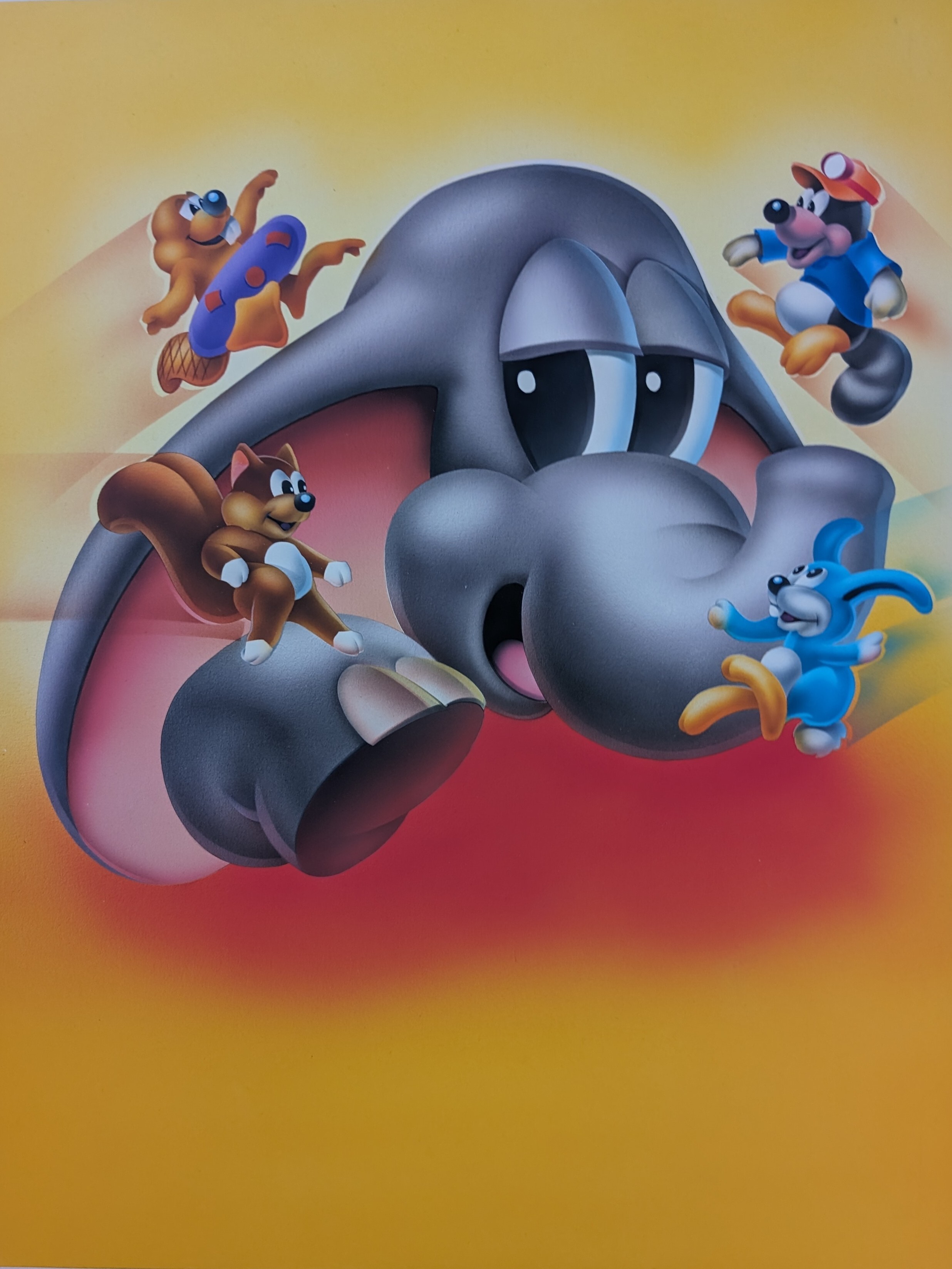
Rolo to the Rescue Sega Genesis box art
- Artist:
In the Collection of Anonymous -